
Keeping Powerbanks Alive in the Cold
Why powerbanks fail in the cold and how to fix it: lithium chemistry below freezing, body-heat storage, charging rules and choosing cells that cope.
How it works, step by step
Why cold kills powerbanks before their
Why cold kills powerbanks before their capacity runs out
Why cold kills powerbanks before their capacity runs out
A powerbank rated at 20,000mAh can drop to a fraction of that the moment the temperature falls. This isn't a manufacturing fault — it's lithium-ion chemistry doing exactly what it does below roughly 0C. The electrolyte thickens, ion movement slows, and the internal resistance of the cell rises sharply. The battery reads "full" on the gauge but can't deliver current fast enough, so devices cut out or refuse to draw power at all.
This matters most in winter emergencies, exactly when keeping your phone alive during a blackout matters most.
Quick facts
The core rule: never charge lithium below freezing
Charging lithium-ion cells below 0C can cause lithium metal to plate onto the anode instead of intercalating normally. That plating is permanent, reduces capacity for good, and in worse cases creates a short-circuit risk. Discharging (using the powerbank to charge a phone) is far more tolerant of cold than charging is. The safe habit is simple: bring a powerbank up above freezing before you plug anything into it to charge, even if you're happy to pull power out of it while it's still cold.
How to keep a powerbank usable in cold weather
- 01
Store it against your body, not in an outer pocket. An inside jacket pocket or the bottom of a sleeping bag keeps the cell close to body temperature, which is usually enough to keep it out of the danger zone.
- 01
Insulate it in transit. Wrap it in a wool sock, glove, or a dedicated neoprene pouch when it's not against your skin. This slows heat loss rather than adding heat, so it only helps if the bank starts out warm.
- 01
Warm it before charging, not before use. If the bank has been sitting in a cold pack or vehicle, bring it inside and let it sit at room temperature for 20-30 minutes before connecting a charging cable.
- 01
Check the gauge with suspicion below freezing. A cold cell will often show more charge than it can actually deliver. Treat a cold-soaked "full" reading as unreliable until the unit has warmed up.
- 01
Fuse or use a bank with built-in protection circuitry. Reputable powerbanks include over-current and short-circuit protection; avoid unbranded cells with no protection board, especially in cold conditions where internal resistance swings are larger.
- 01
Rotate spares rather than relying on one bank. Carrying two mid-capacity banks and keeping one warm while one is in use is more reliable than trusting a single large one to perform in the cold.
Why body heat works and insulation alone doesn't
A powerbank generates almost no heat of its own when idle, so wrapping it in insulation only slows the loss of whatever heat it already has. Active body contact is a heat source, not just a barrier — that's the real difference between a bank tucked in an inside pocket and one insulated but sitting in a cold pack all day.
Choosing cells that cope better with cold
Lithium iron phosphate (LiFePO4) chemistry is generally more tolerant of temperature swings than standard lithium-ion, though it's heavier for the same capacity and less common in small consumer powerbanks. If you're buying specifically for cold-weather use, checking whether a unit lists an operating temperature range down to around -20C is a reasonable, low-pressure way to compare options — but no powerbank chemistry should be charged while genuinely frozen.
Common mistakes
Leaving a powerbank in a car overnight in winter and expecting full performance the next morning is the most common one — vehicle interiors can drop well below freezing. Charging a cold-soaked bank straight off a cold pack is the second, and it's the one that causes lasting capacity loss rather than a temporary dip.
What this can't fix
No amount of insulation turns a frozen battery into a warm one instantly, and none of this recovers capacity already lost to cold-charging damage. If a bank has been charged while frozen and now holds noticeably less charge than before, that loss is usually permanent.
Tom's Quick Take
Tom Woods is our fictional editorial guide — this is the editor's summary in character, not a real person's account.
Tom Woods sums it up as "treat cold batteries like cold hands — warm them before you ask them to work, and don't rush it." It's a habit, not a piece of kit.
Sources and further reading
US CDC winter storm and power outage guidance covers wider cold-weather safety: https://www.cdc.gov/healthywater/emergency/making-water-safe.html and general preparedness at ready.gov.
Gear you need for this hack
Everything below does the job in this guide. Improvise where you can — buy where it matters.
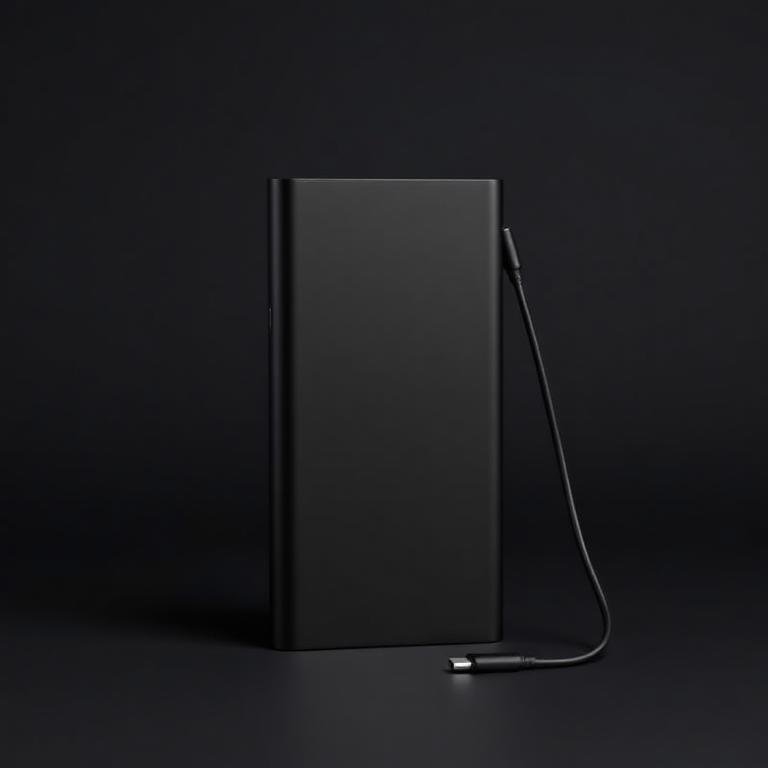
Anker 20,000mAh Powerbank
Anker
Big enough for a week, small enough to keep warm.
Enough for a week of phone and headlamp charging. Keep it warm in winter.
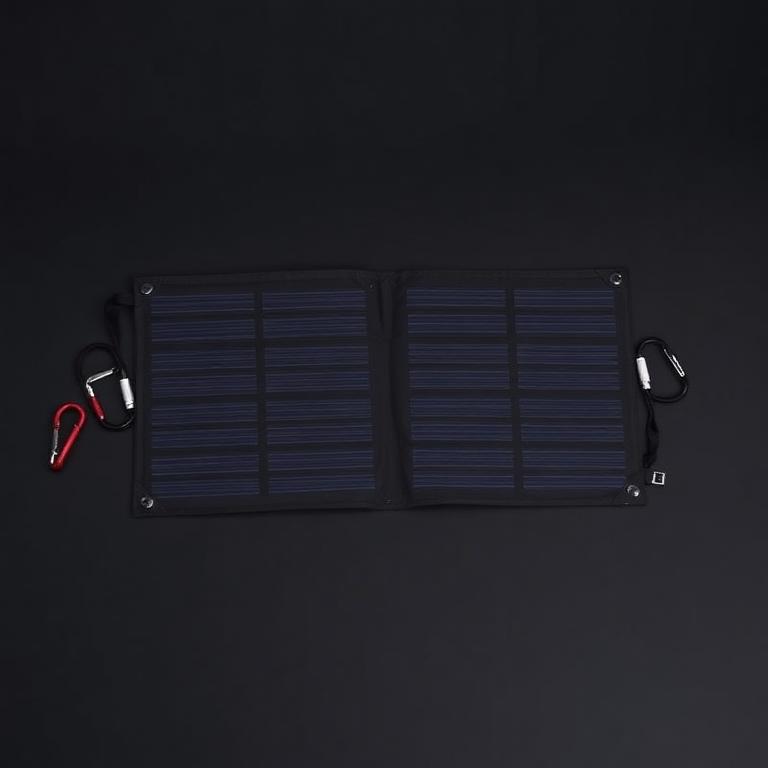
28W Folding Solar Charger
BigBlue
Refills it on the move, no controller needed.
Straps to a pack and refills a powerbank in a day of sun. USB only, no controller needed.
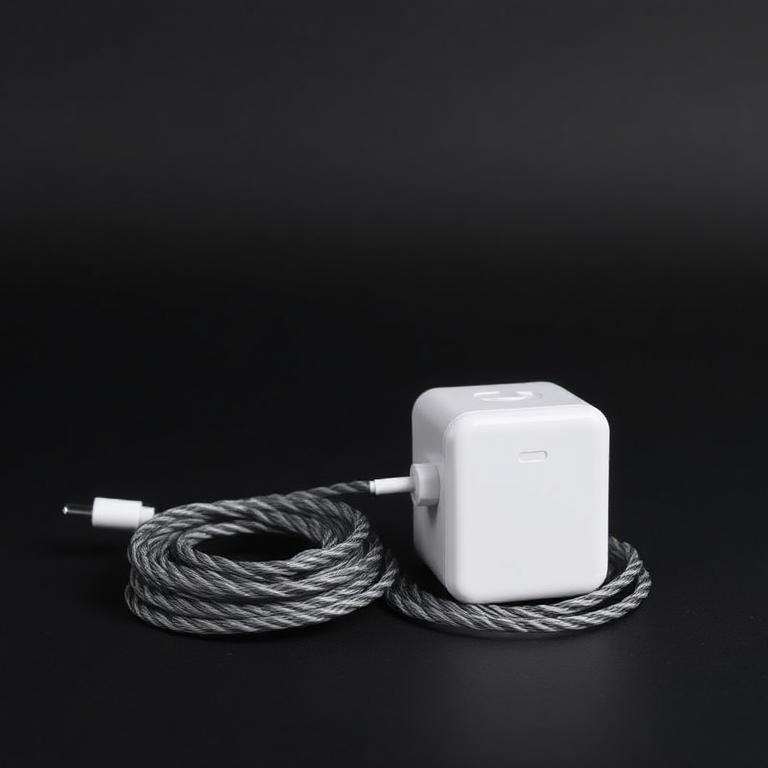
65W USB-C PD Charger and Cables
One plug for everything back at base.
Charges powerbank, laptop and lights off one plug or one inverter socket.
Some links are affiliate links: if you buy through them we earn a small commission at no extra cost to you. We don't run product tests, and a commission never decides what a guide recommends.
Rate this hack
Be the first to rate this hack
Share your experience
Have you tried this hack? Share your experience, results, tips or suggestions with other readers.
Community experiences
Loading…
More Solar & Power
Sizing a 100W Solar Panel and Battery Properly
How to size a 100W solar panel and battery correctly: real daily watt-hours, sun-hour maths, depth of discharge and why most small solar setups fail.
8 min read
Why a Solar Radio With a Flashlight Beats Your Phone in a Blackout
Why a solar hand-crank emergency radio beats your phone in a blackout: NOAA and longwave broadcasts, infinite power, built-in light and how to set one up.
7 min read