
Keeping Your Phone and Internet Alive Through a Blackout
Power budgeting, offline maps, SMS over calls and a realistic charging plan that keeps one phone running for three days without the grid.
How it works, step by step
Quick facts
Quick facts
A dead phone during a blackout isn't just an inconvenience — it's the loss of your torch, your radio, your map and often your only line to emergency services or family, all at once. Keeping it alive isn't about a single gadget; it's a small set of habits that add up to hours or days of extra runtime from the same battery.
Quick facts
Why phones die faster than people expect in an outage
Screens, background apps, constant signal-searching and location services all drain battery even when you're barely using the phone. In a blackout, phone masts often run on backup power for a limited window before they fail too, which means your phone burns extra battery repeatedly searching for a weak or absent signal — exactly the moment you most need it to last.
Extending what you already have
- 01
Turn on low power mode and drop screen brightness immediately. This single step often roughly doubles remaining runtime with no loss of core function.
- 01
Switch to aeroplane mode and check messages periodically rather than staying connected. Turning mobile data back on for two minutes every hour uses a fraction of the battery that staying connected and constantly searching for signal does.
- 01
Close background apps and turn off notifications you don't need. Anything that pings, syncs or updates in the background is spending battery on tasks that don't matter right now.
- 01
Stop using the phone as your primary torch. A £5 headlamp or wind-up torch does that job without touching phone battery at all — see the first hour of a blackout for why this matters early on.
- 01
Charge from a powerbank before the phone hits zero, not after. Charging from empty is slower and slightly less efficient than topping up from 30-40 percent; little and often beats one long charge.
- 01
Bring in solar or a car charger for anything beyond a day or two. A small panel left in a window, or ten minutes of engine idling with a car charger, can recharge a powerbank when mains power is out for longer stretches — see sizing solar and battery setups if you want a proper setup rather than a stopgap.
Powerbanks: what actually matters
Capacity matters less than most marketing suggests once you're past a basic threshold — a powerbank in the region of 10,000-20,000mAh will typically refill a phone several times over. What matters more is that it's actually charged before the outage starts, and that it's stored somewhere its own battery won't degrade quickly; see powerbanks that survive the cold if you're storing one anywhere unheated.
When to keep the phone on versus off entirely
If you're expecting a call — from family, from utility updates, from emergency services — keep it on but in aeroplane mode with periodic checks. If you genuinely don't need it for hours, turning it off entirely uses less battery than any low-power mode, though you lose the ability to receive calls in that window. Decide which trade-off matters more before you need to.
Mistakes that drain a phone fastest
- Leaving mobile data or wifi searching constantly for a weak signal
- Using the screen as a torch at full brightness
- Charging other people's phones from your only powerbank before your own needs are covered
- Forgetting the powerbank itself needs charging as a habit, not a one-off purchase
Common questions
Will putting the phone in the fridge or freezer help save battery? No — this is a myth and can cause condensation damage. Cold does slow battery drain slightly at rest, but the risk to the phone outweighs any benefit; a low power mode achieves more safely.
Is it worth buying a solar charger just for phones? Only if outages are common where you live or you're planning for emergency comms when networks fail more broadly — for an occasional short outage, a couple of charged powerbanks usually cover it more cheaply.
Sources and further reading
- Ready.gov, power outages (https://www.ready.gov/)
Gear you need for this hack
Everything below does the job in this guide. Improvise where you can — buy where it matters.
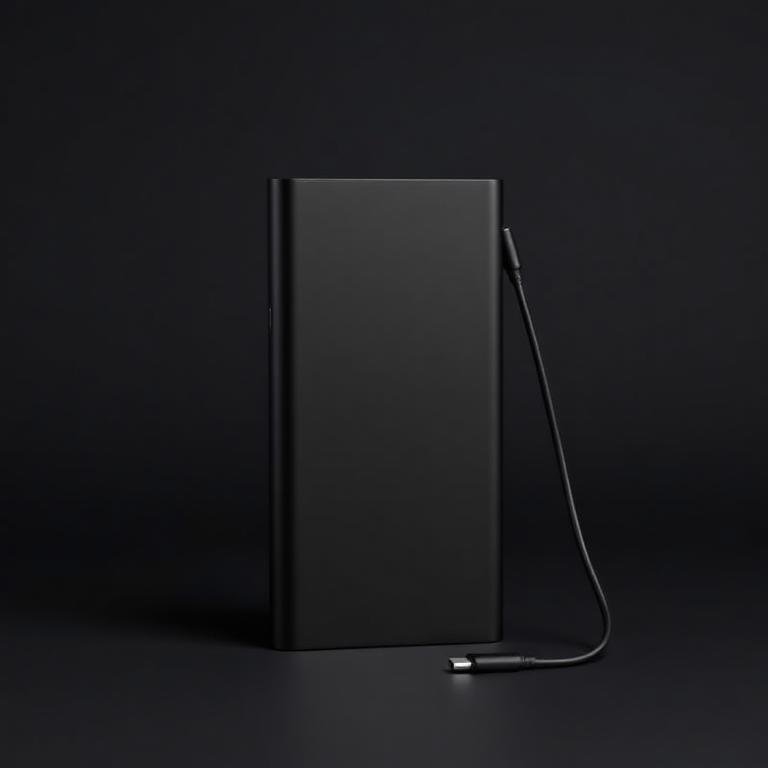
Anker 20,000mAh Powerbank
Anker
Four realistic phone charges from one pocket-sized brick.
Enough for a week of phone and headlamp charging. Keep it warm in winter.
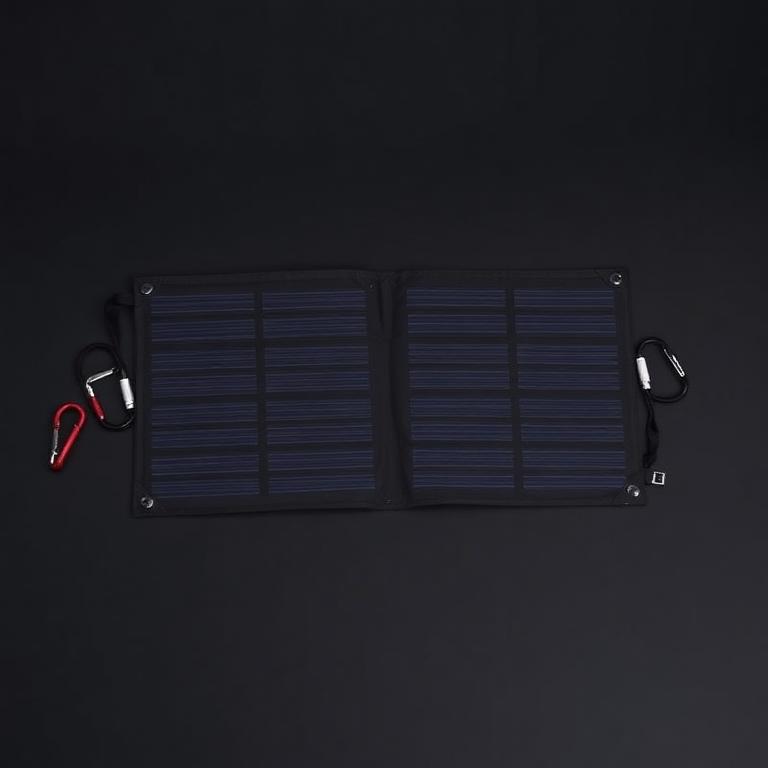
28W Folding Solar Charger
BigBlue
Refills the powerbank from a windowsill so three days becomes indefinite.
Straps to a pack and refills a powerbank in a day of sun. USB only, no controller needed.
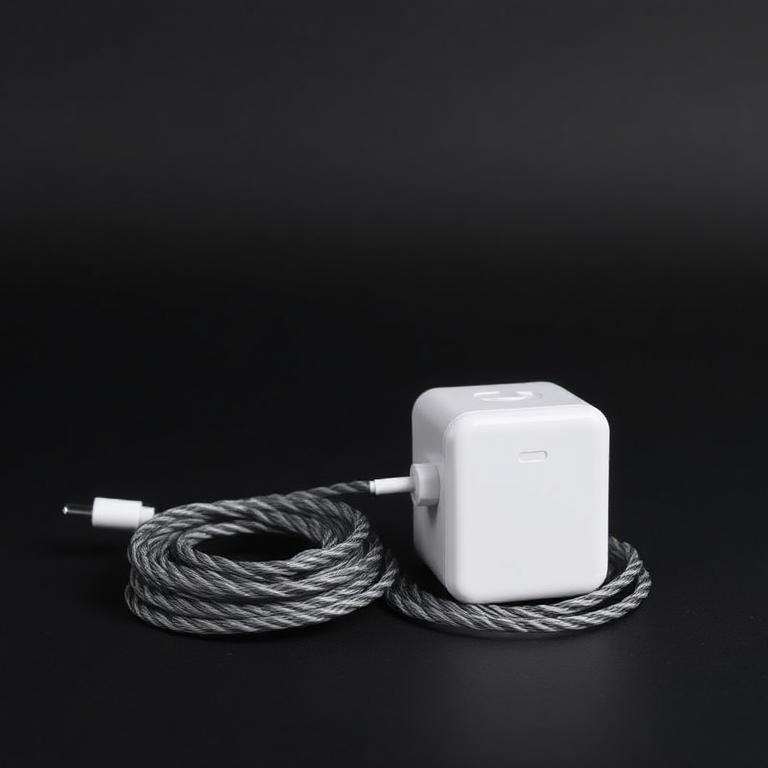
65W USB-C PD Charger and Cables
Fast top-ups whenever power is briefly back on.
Charges powerbank, laptop and lights off one plug or one inverter socket.
Some links are affiliate links: if you buy through them we earn a small commission at no extra cost to you. We don't run product tests, and a commission never decides what a guide recommends.
Rate this hack
Be the first to rate this hack
Share your experience
Have you tried this hack? Share your experience, results, tips or suggestions with other readers.
Community experiences
Loading…
More City Hacks
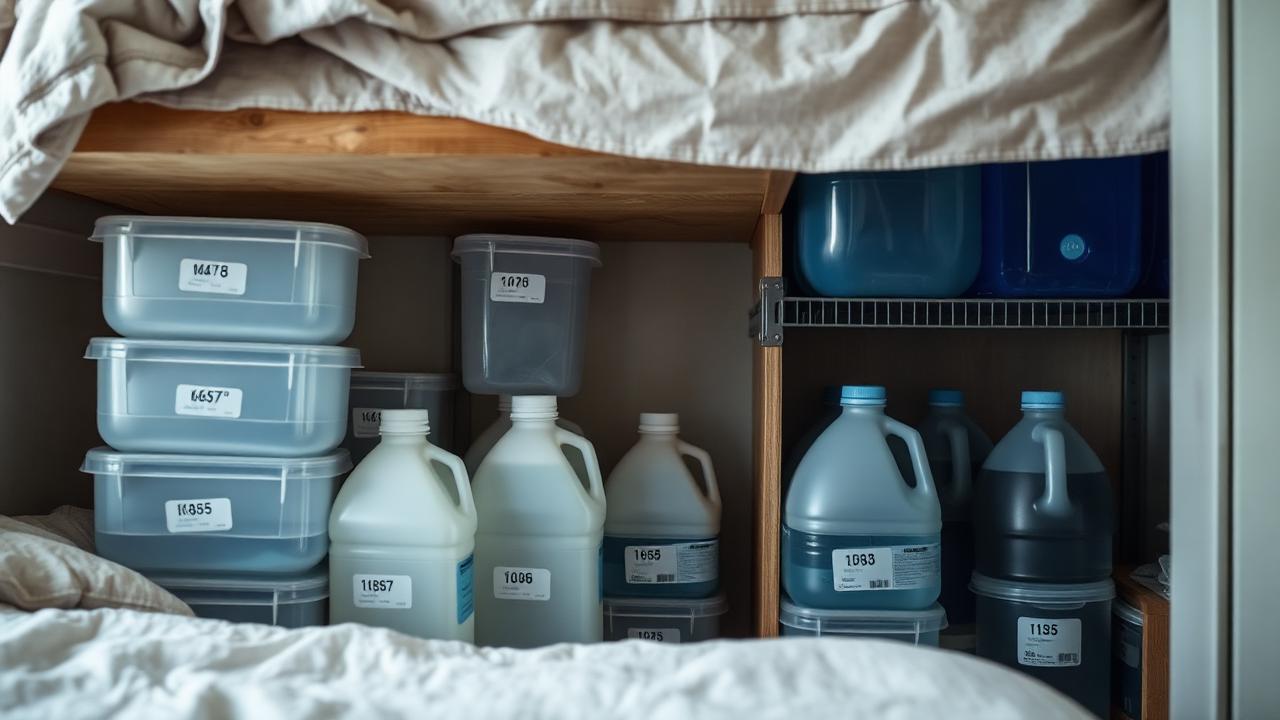
Storing Two Weeks of Water in a Small Apartment
How much water you actually need, where to fit it in a flat, how long it keeps and how to rotate it without turning your hallway into a warehouse.
7 min read
The First Hour of a Blackout: A Room-by-Room Plan
A calm, room-by-room plan for the first hour of a power cut in an apartment: light, fridge discipline, water, heat and information — before the batteries run low.
8 min read
Cooking Indoors Safely When the Power Is Out
Which stoves are safe inside a flat, which will quietly poison you, and how to cook hot meals for days on a single gas canister.
7 min read